
Article
CCTV and Camera Installation in Kirkland: A Practical Local Guide
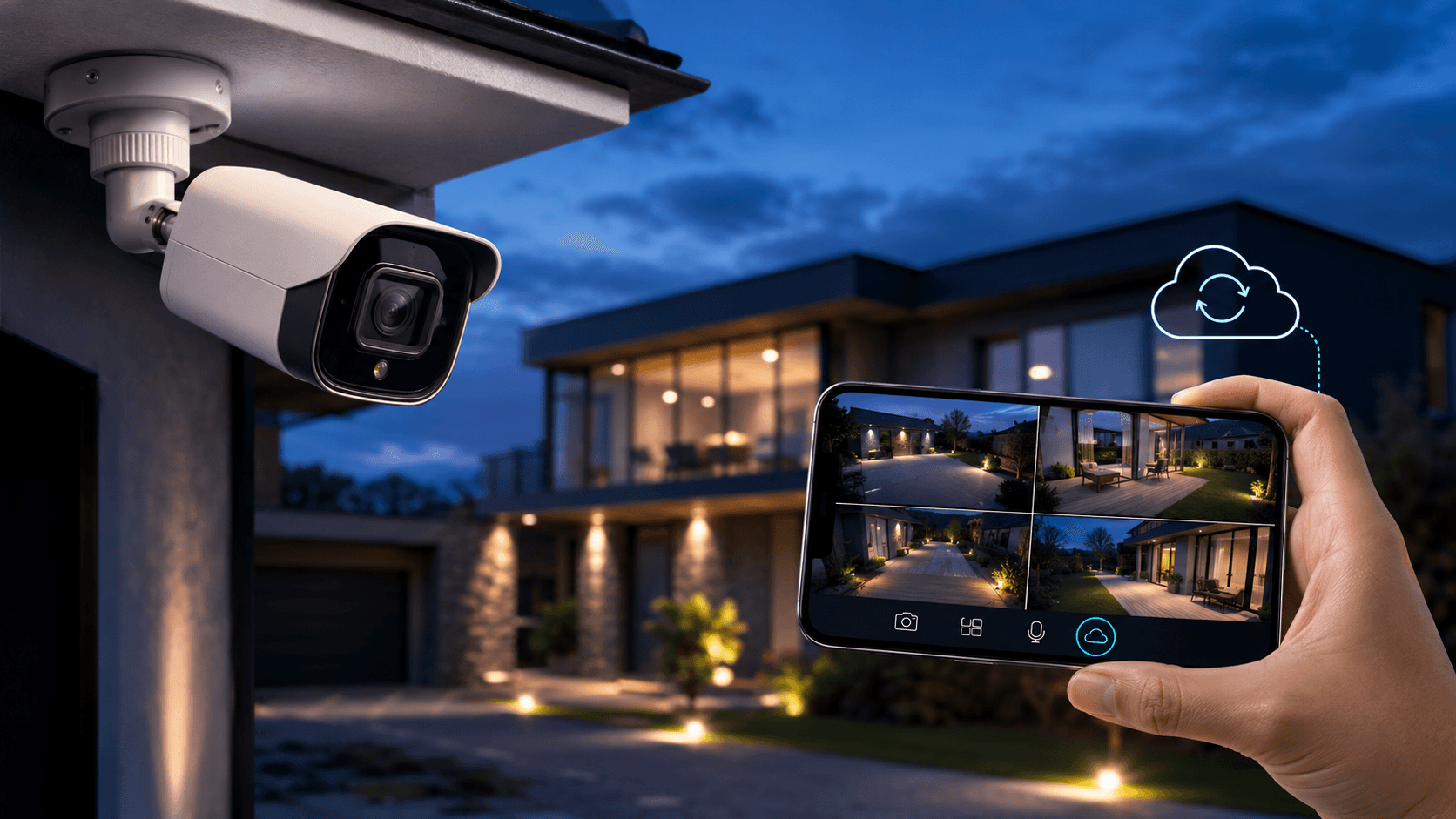
CCTV and camera installation in Kirkland should cover driveways, side yards, and commercial entrances with views that stay useful after dark and through West Island winters.
Quick Summary
- CCTV in Kirkland works best when camera placement matches driveways, side paths, and storefront glass—not a random camera count.
- West Island winters and night lighting change outdoor camera choices for Kirkland homes and plazas.
- Decide early whether you need live viewing, recording retention, or video verification with alarms.
Why trust this article
Written by: Peter (Pro Vision Security, Greater Montreal)
Reviewed by: Pro Vision Security Technical Team (Local Technical Review)
Updated on:
CCTV Kirkland: the short answer
For CCTV Kirkland, the right solution connects your property's real risks, your building's quirks, and a clear plan for what happens when something goes wrong. In Montreal, an on-site visit confirms coverage, cabling, who gets access to what, and the support you'll get, before the final price is set.
There is no single perfect number of devices that works for everyone. A smaller but more complex property can need more planning than a large open space. Compare quotes based on real results and total cost, not just the starting price.
What should CCTV cover on a typical Kirkland property?
CCTV Kirkland projects usually prioritize the front approach, driveway, side gates, rear yard, and any door that is hard to see from the street.
On commercial suites near Jean-Yves or local plazas, prioritize customer entrances, cash or inventory zones, and parking approaches where incidents start.
A useful camera installation Kirkland plan names each view and why it exists—deterrence, identification, or investigation—before you pick a brand.
How do West Island conditions affect camera installation in Kirkland?
Outdoor security cameras Kirkland installs must handle freeze-thaw cycles, snow glare, and salt spray near driveways and loading paths.
Night lighting on quiet residential streets and plaza lots changes whether a camera produces usable faces or only motion blobs. Test views after dark when possible.
Mounting height and overhang protection matter as much as resolution. A 4K camera pointed into headlights still fails the job.
HD vs 4K: what do Kirkland buyers actually need?
HD security cameras Kirkland homeowners choose are often enough for driveway and porch identification when lighting is planned.
4K helps on wider plaza lots or long driveway approaches where you need to crop into a vehicle or person later. More pixels do not fix poor placement.
Ask vendors to show sample night clips from similar outdoor distances—not only daytime showroom footage.
Should Kirkland cameras be cloud, on-site, or hybrid?
Cloud security cameras Kirkland users like for remote viewing, while on-site recorders can reduce recurring storage fees for multi-camera commercial sites.
Hybrid designs keep short local retention and selective cloud clips for incidents. Match the choice to internet reliability and who needs access.
Related comparison: Cloud vs On-Prem Video Surveillance for Terrebonne Businesses and CCTV vs Smart Cameras: Which Setup Fits Your Property?.
How should camera monitoring work with alarms in Kirkland?
Camera monitoring Kirkland setups gain value when a door or motion alarm can open the matching camera clip for faster verification.
Homes often want mobile push with clear zones. Businesses often need documented escalation and shared access for managers.
Pairing video with Alarm Systems and 24/7 Monitoring prevents cameras from becoming footage nobody reviews in time.
Commercial CCTV in Kirkland: what changes vs a home system?
Commercial CCTV Kirkland designs usually need longer retention, clearer user roles, and cameras aimed at investigation—not only live peeking.
Multi-tenant plazas may require landlord coordination for exterior mounts and network paths. Plan that before install day.
If you manage more than one West Island address, ask about remote management so permissions stay consistent.
Kirkland camera planning table
Use this simple table before you request a Kirkland camera installation quote.
| Area | Goal | Notes for Kirkland |
|---|---|---|
| Front / driveway | Identify visitors and vehicles | Watch winter glare and headlight wash |
| Side / gate | Catch bypass paths | Often dark; plan lighting or IR carefully |
| Rear / yard | Deterrence and package areas | Keep neighbor privacy in mind |
| Store / plaza entry | Investigate incidents | Prioritize face-usable angles at doors |
Bring this map to your site review so Pro Vision Security can validate angles on location.
What should Montreal weather and buildings mean for your plan?
A security project in Montreal has to deal with more than just the size of your property. Freezing winters, snow, road salt, humid summers, and big temperature swings can affect outdoor cameras, cables, door hardware, and Wi-Fi reliability. Equipment that works fine in a sheltered lobby downtown may not hold up on an exposed loading dock in Saint-Laurent or an outdoor entrance in Laval.
The type of building matters too. Older homes and buildings in areas like Notre-Dame-de-Grace or Villeray can have finished brick or stone walls and limited paths for cables. Warehouses near the Trans-Canada highway often need longer cable runs and a clear plan for who responds after hours. A good assessment looks at all of this before any equipment is quoted.
How does Pro Vision Security look at your property?
We start by asking what you actually need: recognize a face, confirm an alarm, control who can open a door, or quickly find a past event. Then we walk your property, check lighting and foot traffic, note any areas that need privacy, confirm your internet and power, and figure out who should be contacted during and after business hours.
You should end up with a clear, written plan that connects every camera, sensor, and door to a reason. It should cover coverage areas, who can access what, how long footage is kept, how you get notified, training, and room to grow later. This avoids a common mistake: buying equipment first and only later figuring out how it should actually be used day to day.
What should you ask before comparing quotes?
Ask each company what is included in the price, what could make the price change, and how their plan handles your biggest concern. Confirm whether cabling, permits (where needed), setup, training, activating monitoring, warranties, and support afterward are included. A low price on equipment can hide bigger costs later for setup and service.
Also ask how you will find footage, add or remove someone's access, test your alarms, and get help outside business hours. Ask for a demonstration using a real example from your property. A good provider should be able to explain, in plain language, exactly what happens when something goes wrong, and how easy the system will be to manage as your needs change.
How should privacy and cybersecurity be handled in Quebec?
Your security system can include video of people, records of who came and went, names, phone numbers, and notes about past incidents. As a Quebec home or business owner, you should know why each piece of information is collected, who can see it, how long it is kept, and what happens if there is a request or an incident. Cameras should avoid pointing at private areas that do not need to be covered.
Use separate logins for each person, extra login protection where available, remove access right away when someone leaves, and make sure remote access is secure. This matters most for apps and cloud dashboards you can check from your phone. Rules around privacy and insurance can vary, so it is worth checking with a qualified advisor rather than assuming the equipment settings alone are enough.
What happens during installation and hand-off?
A proper installation includes testing, not just mounting cameras and running wires. The team should check camera views and sensors both day and night, confirm the time stamps on events, test a priority alert, confirm your contact list is correct, and make sure everyone who needs access can actually use the system. Anything that does not work as expected should be fixed before the job is considered done.
You should also get simple training, basic documentation, warranty details, and an easy testing schedule. You need to know how to add or remove a user, find a past event, report a problem, and reach support. A quick check-in after the first few weeks helps fix any annoying false alarms or gaps that only show up once you are actually using the system.
How do you keep your system working well over time?
Review your system after renovations, staff changes, new hours, repeated false alarms, or anything that showed a gap in your coverage. At least twice a year, check that your devices are working, your cameras are clean, your doors close properly, your contact list is current, and you can still easily find footage. Outdoor equipment deserves extra attention after a Montreal winter.
Pay attention to what actually matters, not just the number of devices you have. Useful things to track include how long it takes to confirm an alert, how often you get false alarms, failed attempts to get in, and how long it takes to find footage. These tell you whether your system is really helping you make faster, safer decisions.
Frequently asked questions
How many cameras does a Kirkland home usually need?
There is no fixed number. Most Kirkland homes prioritize front, driveway, and one or two side or rear views based on how the lot is used—not a package count.
Can you install outdoor CCTV that survives West Island winters?
Yes—outdoor-rated cameras, protected mounts, and realistic night testing are part of a proper Kirkland camera installation plan.
Do Kirkland businesses need different CCTV than homes?
Often yes. Commercial sites usually need clearer retention, user roles, and investigation workflows than a basic residential kit.
Should I add monitoring with my Kirkland cameras?
If you need response when no one is watching live, pair cameras with monitored alarms so events are verified and escalated.
How do I book CCTV work in Kirkland with Pro Vision Security?
Contact us via Contact us or review Cameras & CCTV and Kirkland to prepare for a local site assessment.
Which areas do you serve around Montreal?
Pro Vision Security serves Montreal, Saint-Laurent, Laval, the West Island, and nearby communities, depending on the project.
When is an on-site visit worth it?
A visit is worthwhile whenever your cabling, lighting, doors, internet, or daily routine could change the design or the price.
Conclusion and next step
Strong CCTV in Kirkland starts with placement, lighting, and a clear plan for who reviews footage. Contact Pro Vision Security via Contact us or explore Cameras & CCTV. For Kirkland-specific service context, see Kirkland. Google Business Profile.